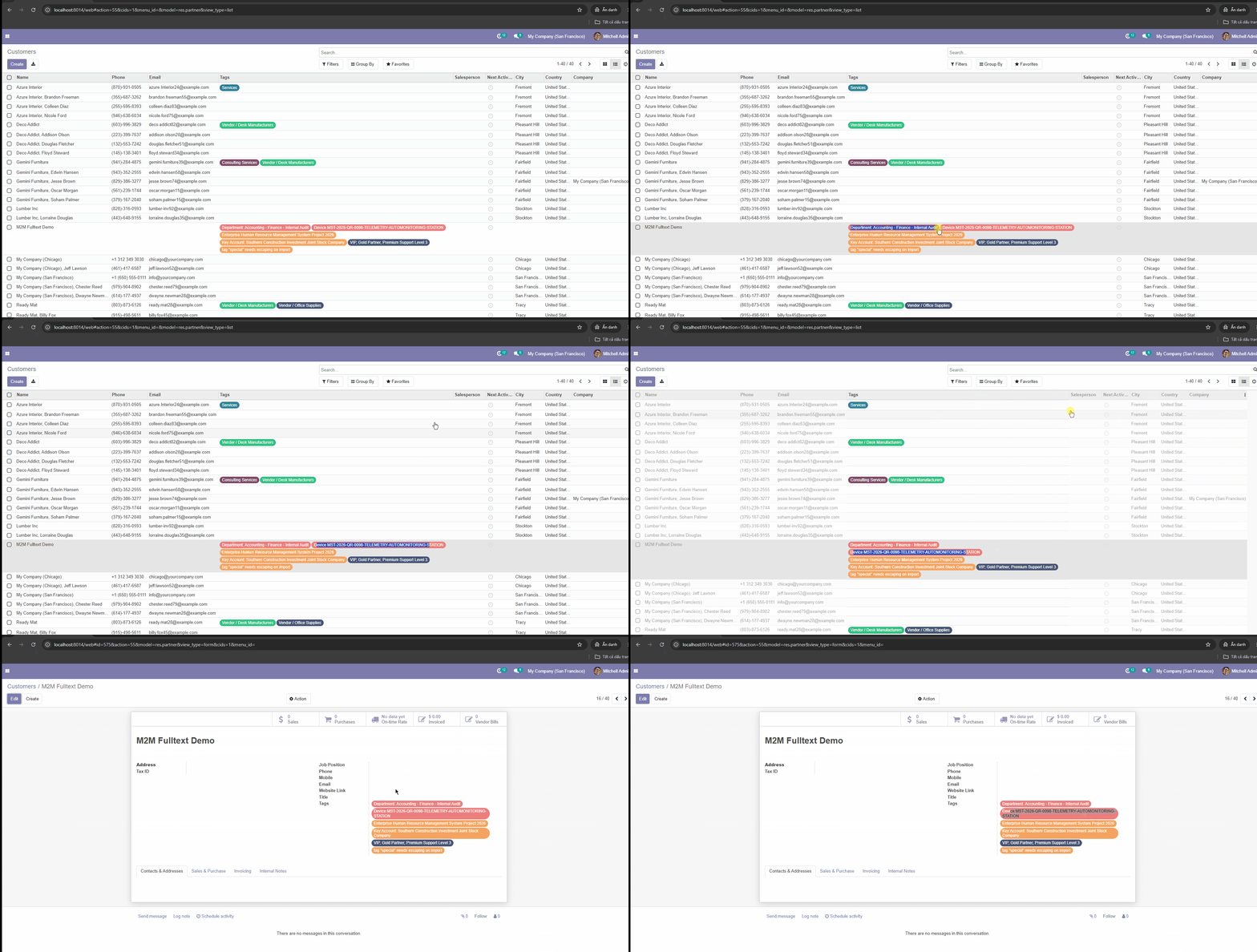
How to Copy a Cell or a Whole Column from an Odoo List View
Odoo opens the record whenever you click a row, so copying a single value is surprisingly painful. Here is the one-click way to copy any cell or column to Excel.

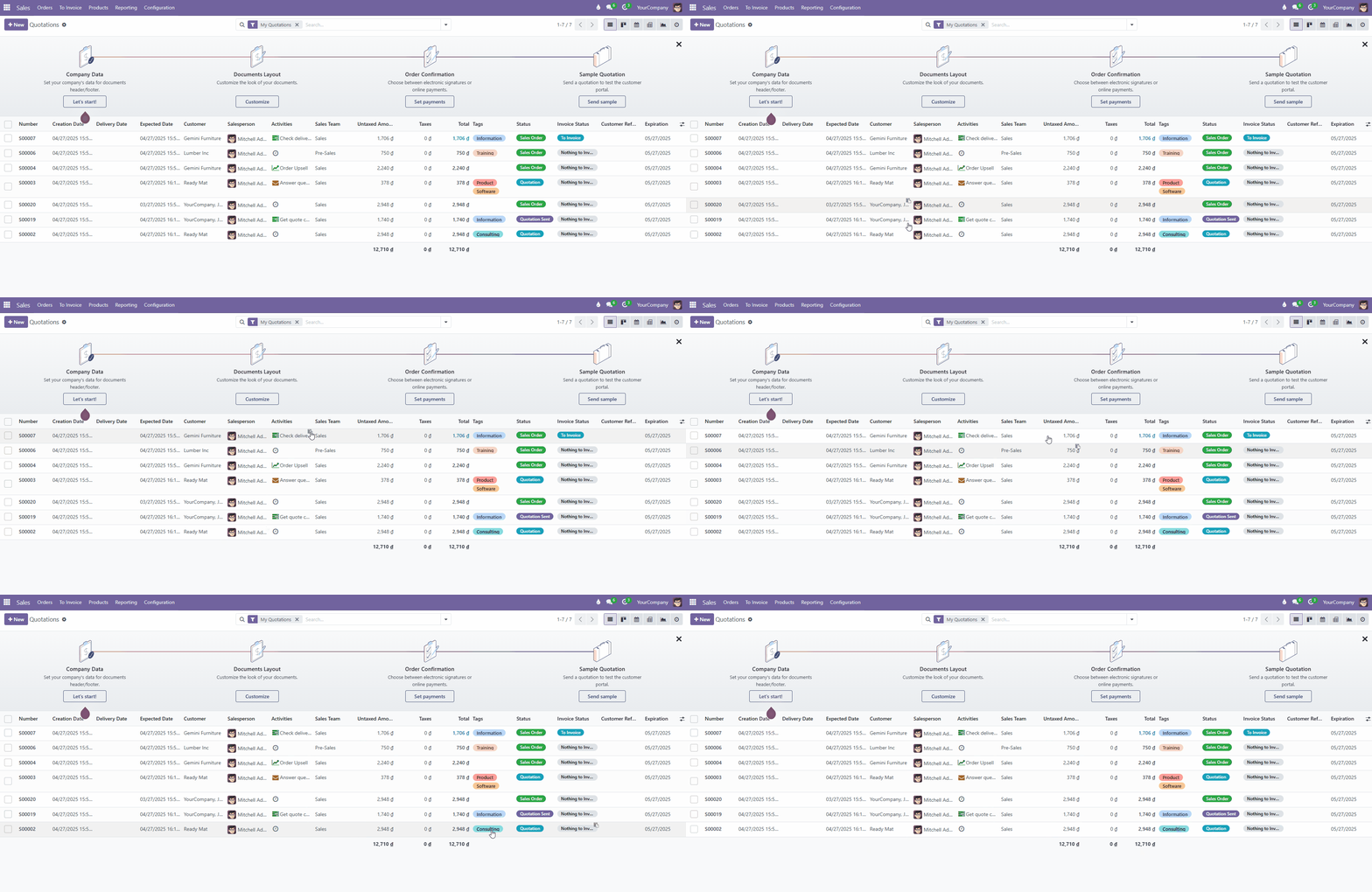
You're looking at a list of quotations, customers or invoices in Odoo and you need one value - an email, a phone number, an order reference. In theory that's a copy-paste. In practice, Odoo opens the record as soon as you click the row.
Why copying from a list view is painful
In an Odoo list view, a click on a row means "open this record". So the usual workflow becomes:
- Click the row - the form view opens.
- Find the field, select the text, copy it.
- Go back to the list (and hope your filters and scroll position are still there).
- Repeat for the next value.
For a whole column it's worse: you end up selecting records, exporting to Excel, opening the file and copying from there - just to grab a list of emails.
The one-click way: List View Copy Cell
List View Copy Cell adds two small things to every Odoo list view:
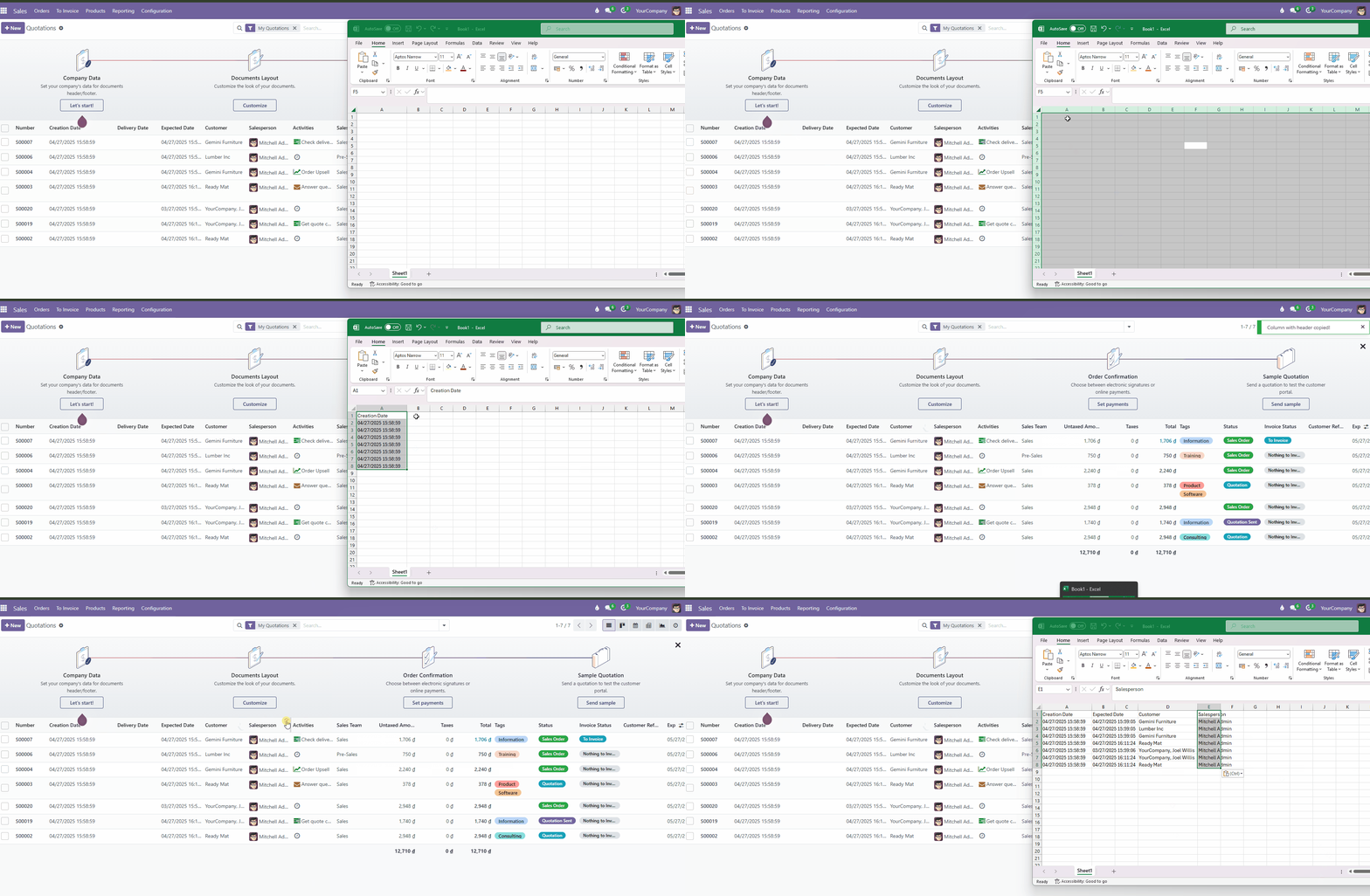
1. Copy a single cell
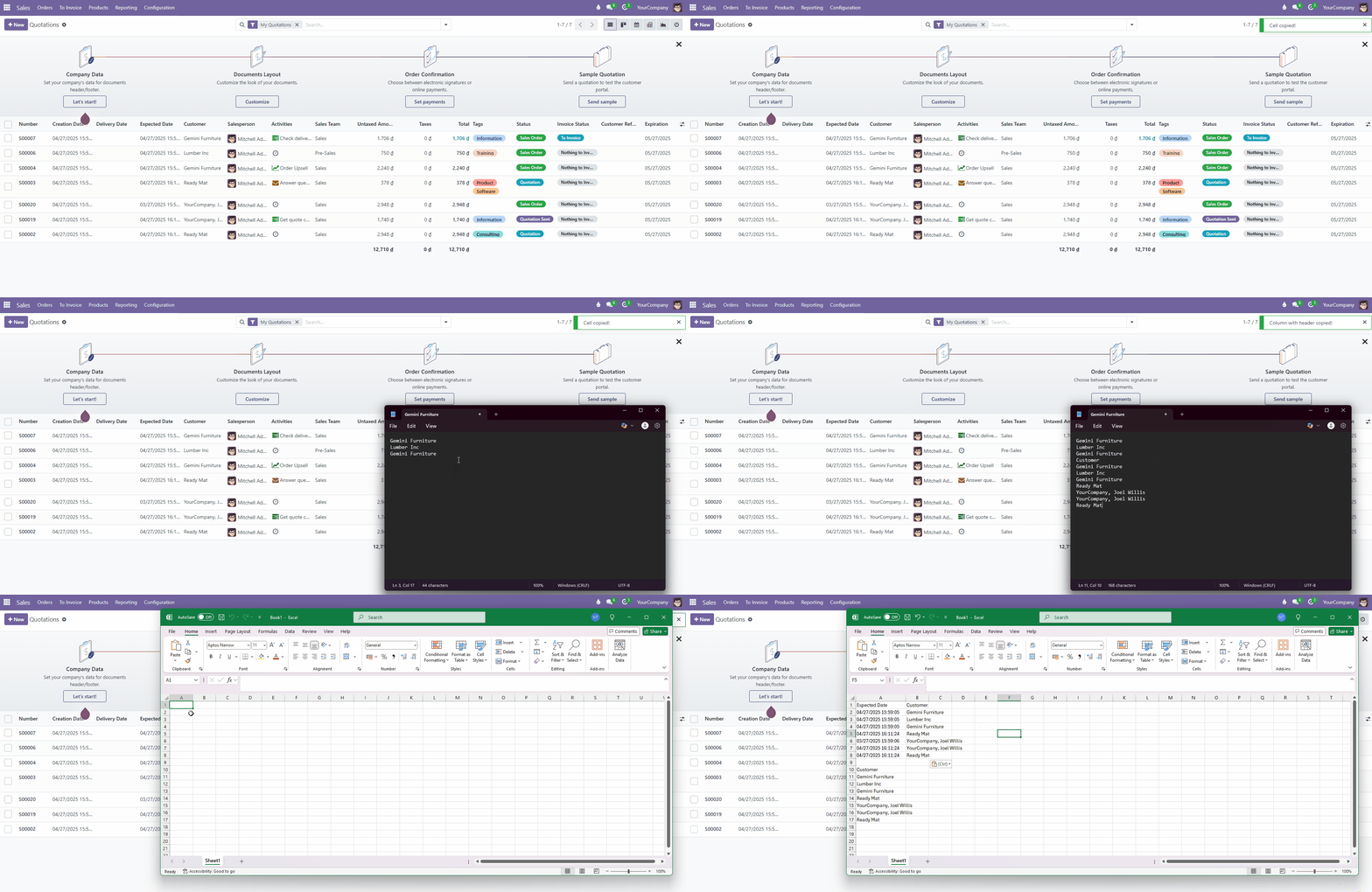
Hover a cell and a clipboard icon appears. Click it and the value is copied - the record does not open.
2. Copy a whole column
Click a column header to copy every value in that column.
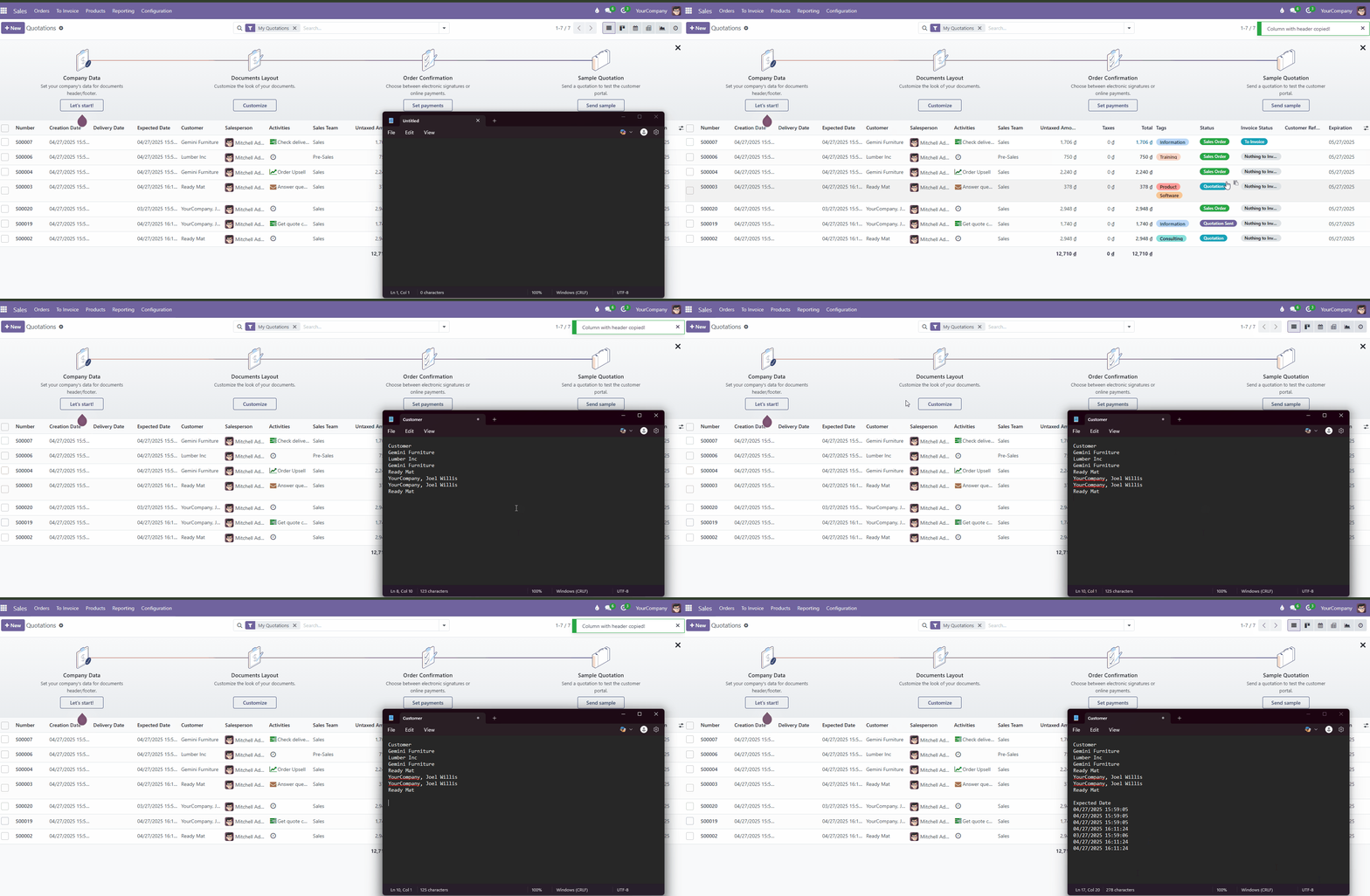
3. Paste into Excel or Google Sheets
Values are copied one per line, so they land neatly in a spreadsheet column.
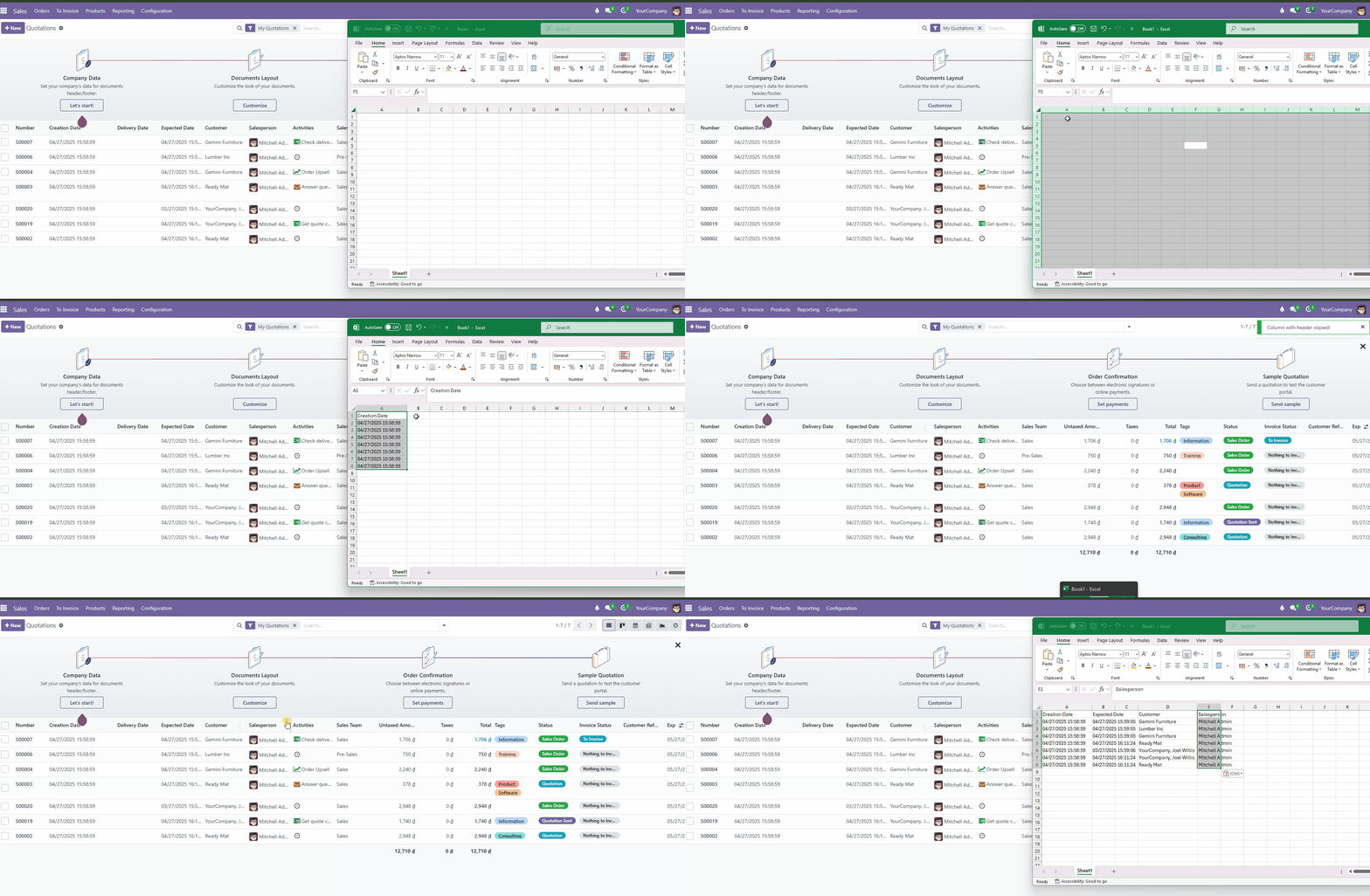
Real-world use cases
- Sales: copy customer emails from a filtered list for a follow-up campaign.
- Accounting: copy a column of invoice numbers or amounts to reconcile in a spreadsheet.
- Inventory & purchasing: copy product codes to send to a supplier.
- Support: grab a ticket or order reference for an email or chat in one click.
Good to know
- No configuration - it works on every list view after installation.
- Lightweight, no Odoo core files modified, upgrade-safe.
- Works on Odoo Online, Odoo.sh and On-Premise, Community and Enterprise.
- Currently available for Odoo 17.0, with more versions coming.
Need a full report instead of a few values? See how to export Odoo list view data to Excel.